
Why Google Ads Search Campaigns Matter
Google Ads is like a digital marketplace where you can place your brand directly in front of potential customers searching for your product or service. Unlike traditional ads, you only pay when someone clicks on your ad — that’s why it’s called Pay-Per-Click (PPC) advertising. Running a Google Ads search campaign helps you reach high-intent audiences — people actively looking for what you offer.
Step 1: Create Your Google Ads Account
To start, go to ads.google.com and click “Start Now.” Sign in with your Google account. Once inside, you’ll be guided to set up your first campaign. 👉 Pro Tip: Connect your account to Google Analytics. It helps you track conversions, measure user behavior, and understand where your money brings results.
Step 2: Define Your Campaign Goals
Before jumping in, define what you want to achieve. Google will ask you to pick a goal such as:
- Sales
- Leads
- Website traffic
- Brand Awareness
Choosing the right goal ensures Google optimizes your ads accordingly. For instance, if your aim is leads, Google will focus on people more likely to submit a form or call your business.
Step 3: Choose the Right Campaign Type
Since we’re focusing on search campaigns, select “Search Network” when setting up. Search campaigns display your text ads on Google’s search results when people type relevant keywords.
💡 Example: If someone searches “best organic food near me,” your ad can appear if you’re targeting that keyword.
Step 4: Keyword Research and Selection
Keywords are the backbone of any search campaign. You need to find words or phrases that your potential customers use. Use tools like Google Keyword Planner to discover high-volume, low-competition keywords.
Types of Keyword Match
Broad Match: Reaches the widest audience.
Phrase Match: Shows ads for searches that include your keyword phrase.
Exact Match: Targets searches that match your keyword exactly.
👉 Combine these smartly to balance reach and relevance.
Step 5: Write Compelling Ad Copy
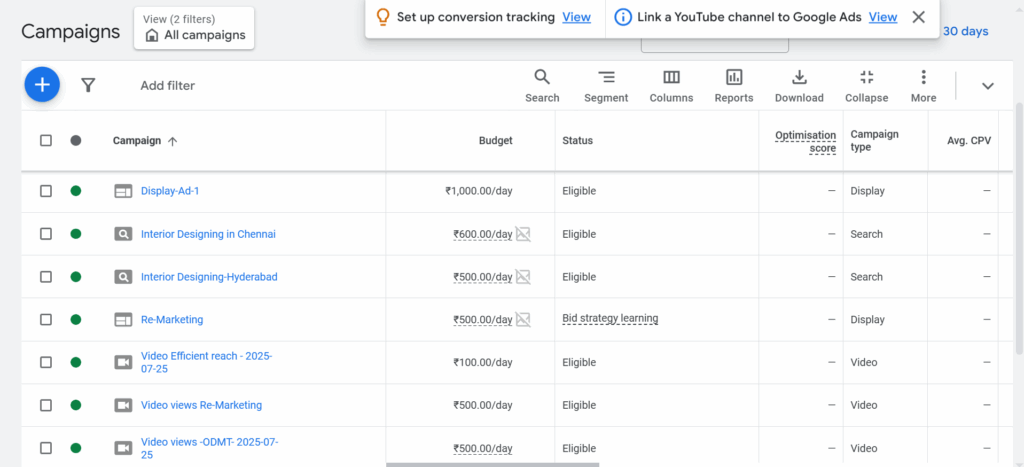
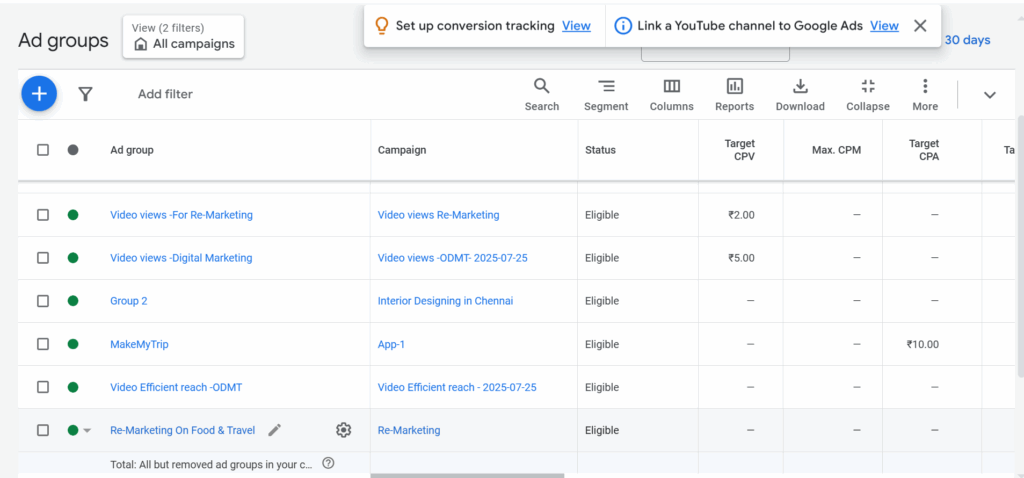
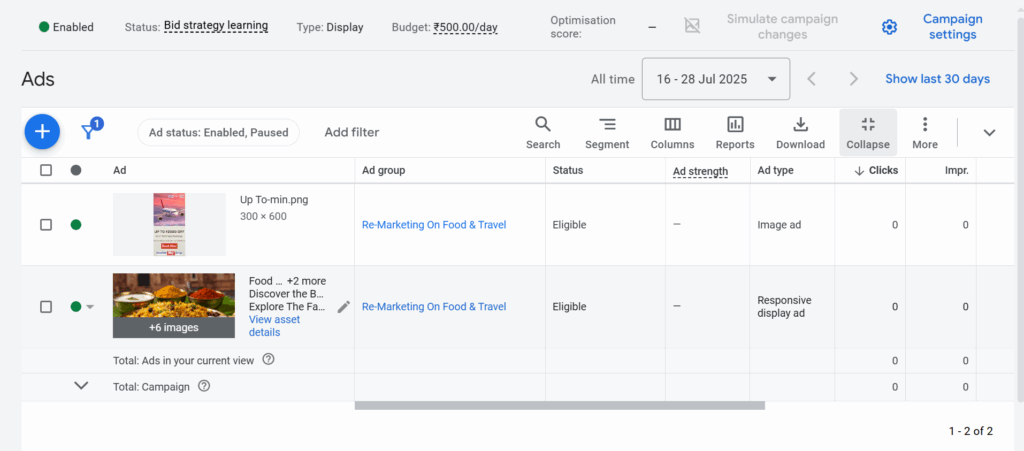
Your ad copy is your first impression — make it count.
Tips for Writing Effective Ads
Headline: Use action words like “Get,” “Buy,” or “Try.”
Description: Explain your offer clearly.
CTA (Call To Action): Examples: “Shop Now,” “Get Free Quote,” “Sign Up Today.”
Use Ad Extensions Ad extensions let you display extra info like links, phone numbers, or offers — increasing your ad’s visibility and click rate.
Example:
Headline: Fresh Organic Fruits – Delivered Daily
Description: 100% Farm Fresh | Free Home Delivery | Order Now
Step 6: Set Your Budget and Bidding Strategy
Budgeting is where many beginners get confused — but it’s simple.
You can start with as little as ₹300–₹500/day (or $5–$10/day).
Bidding Options
Manual CPC: You control your cost per click.
Automated Bidding: Google optimizes bids for best results.
👉 Start small, analyze performance, then scale what works.
Step 7: Track, Measure, and Optimize Your Campaign
After launching, monitor your campaign regularly.
Important Metrics to Track
CTR (Click-Through Rate): Shows ad relevance.
CPC (Cost Per Click): Helps manage budget.
Conversion Rate: Tells how many visitors take action.
Use Google Analytics and Conversion Tracking to monitor success.
Perform A/B testing — test different headlines, keywords, and CTAs to discover what works best.
Common Mistakes to Avoid
Targeting Too Broadly: Focus on relevant keywords and locations.
Ignoring Negative Keywords: Exclude terms that waste money (e.g., “free,” “cheap”).
No Conversion Tracking: Without tracking, you can’t measure ROI.
Pro Tips for Success
Use Ad Scheduling: Run ads when your audience is active.
Optimize for Mobile: Most searches come from smartphones.
Test Multiple Ad Copies: Keep experimenting to improve CTR.
Monitor Quality Score: Higher score = lower CPC and better visibility.
Leverage Remarketing: Reconnect with people who already visited your site.
Conclusion
Running a Google Ads search campaign isn’t as hard as it seems. With the right keywords, clear goals, and consistent optimization, you can generate quality leads and grow your business fast.
Remember — it’s all about testing, learning, and improving. Once you master the basics, the possibilities are endless.
FAQs
1. What is the minimum budget to start a Google Ads campaign?
You can start with as little as ₹300–₹500 per day (around $5–$10)..
2. How long does it take to see results?
Typically, results start appearing within 1–2 weeks after consistent optimization.
3. Can I pause a campaign anytime?
Yes! Google Ads lets you pause or edit campaigns anytime without penalty.
4. What’s the difference between CPC and CPM?
CPC (Cost Per Click) charges you when someone clicks; CPM (Cost Per Mille) charges per 1,000 impressions.
5. How often should I optimize my campaign?
Review your campaigns weekly, and make performance-based adjustments.